Tips & Tricks
Short, actionable playbooks you can scan mid‑shift. Start with the task you need right now—delays, mixed orders, or finding a customer—then come back for deeper tips later.
Recommendations from Courier Partners!
First and foremost, be good to everyone and everything will go well.
Try to stay fully geared up and prepared, and do not try to take shortcut routes.
Dress for the weather, but make sure you’re comfortable in your vehicle.
When I’m out for deliveries, I quickly scan the route on Google Maps before starting and group nearby stops together so I’m not zigzagging all over town. I also send a quick “on my way” message to customers—it reduces delays and makes drop-offs smoother.
Smile and greet
Always check the customer note, be safe, and follow the traffic rules.
When the location is not correct and difficult to find it I always communicate with the customer polite and solve the problem easily
Flexibility and connecting with people
Distributing orders fairly among all, or giving priority to those who perform their work perfectly, increases the level of preference in the ranking, and delivery errors will disappear completely. Everyone will be less likely to make mistakes.
Carrying the food and find the location of the customer carefully and with responsibility.
Never be in a hurry, always confirm your order number with the package
Try to be concentrate in every side of the road and ride as slow as you can.
I stay organized and check orders carefully before leaving, and I communicate politely with customers to ensure smooth deliveries.
Always read note before heading to the customer
I see a lot of people wasting time looking for restaurants and chatting to people, and this means that customers and orders end up waiting and running late!
If you can’t find the correct house or apartment building using the Wolt map of the customer’s pin or using the address, it can be helpful to copy and paste the address into Google Maps and check Street View.
Stay hydrated, and smile at customers 😊
Sometimes customers put wrong pin points,dont get confused on that ,check the address and put it yourself on maps , it will help to reach quickly
When the weather is bad, we must pay closer attention to the road and thoroughly check the vehicle to ensure everything is in order, such as spare parts, car oil, and gasoline, so that our vehicle doesn't break down.
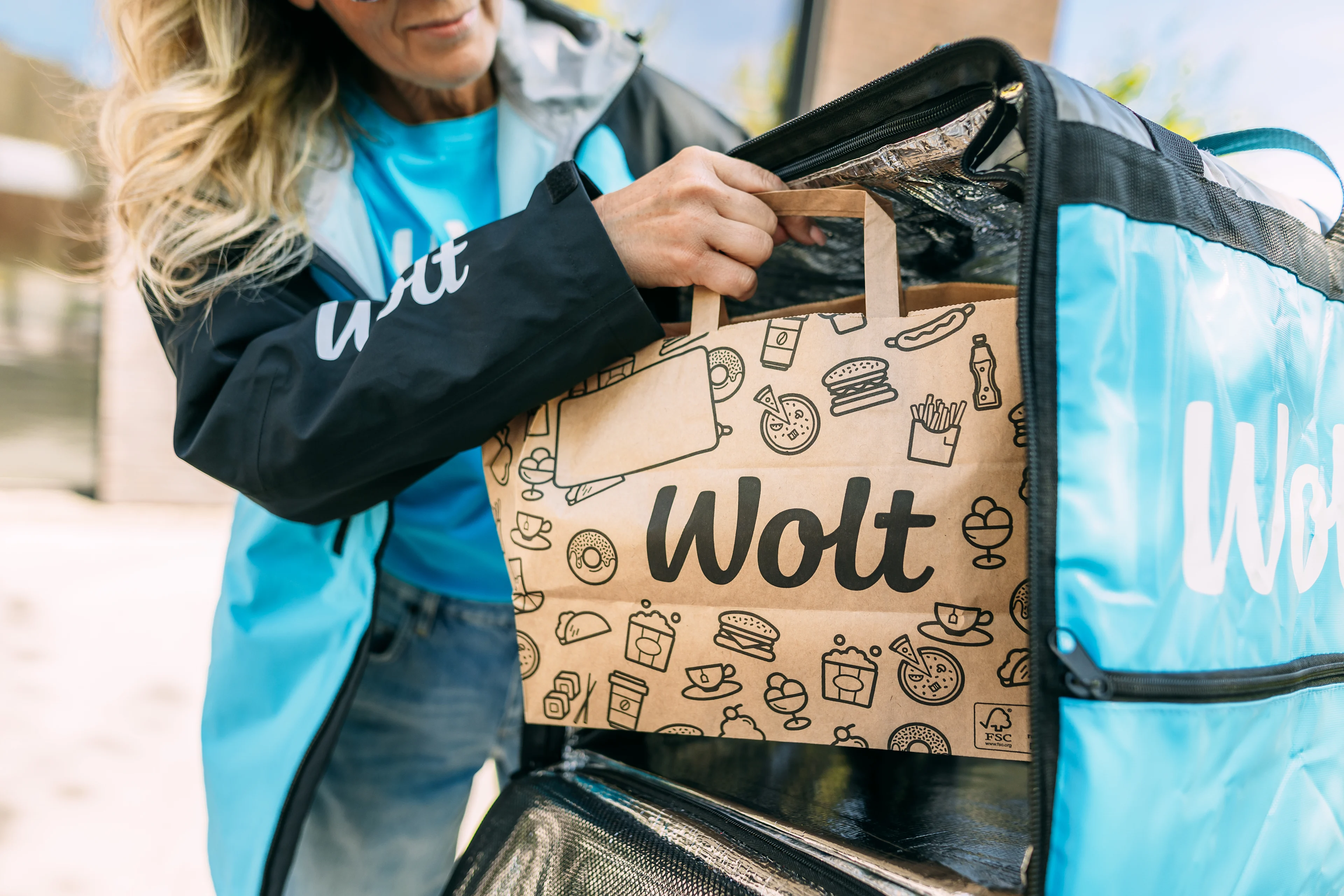
When delivering multiple orders i find it efficient to take just a couple of seconds to arrange my bag so the one i deliver first is put first in the delivery bag. Make sure the restaurants puts name on everything so nothing goes wrong.
Patience and communication with support .
Prepare for a great day of deliveries
Small prep prevents the most common shift-killers: cold phone, bad weather surprises, and spills.
✅ Check the weather and dress accordingly.
✅ Charge your phone and power bank (battery insurance).
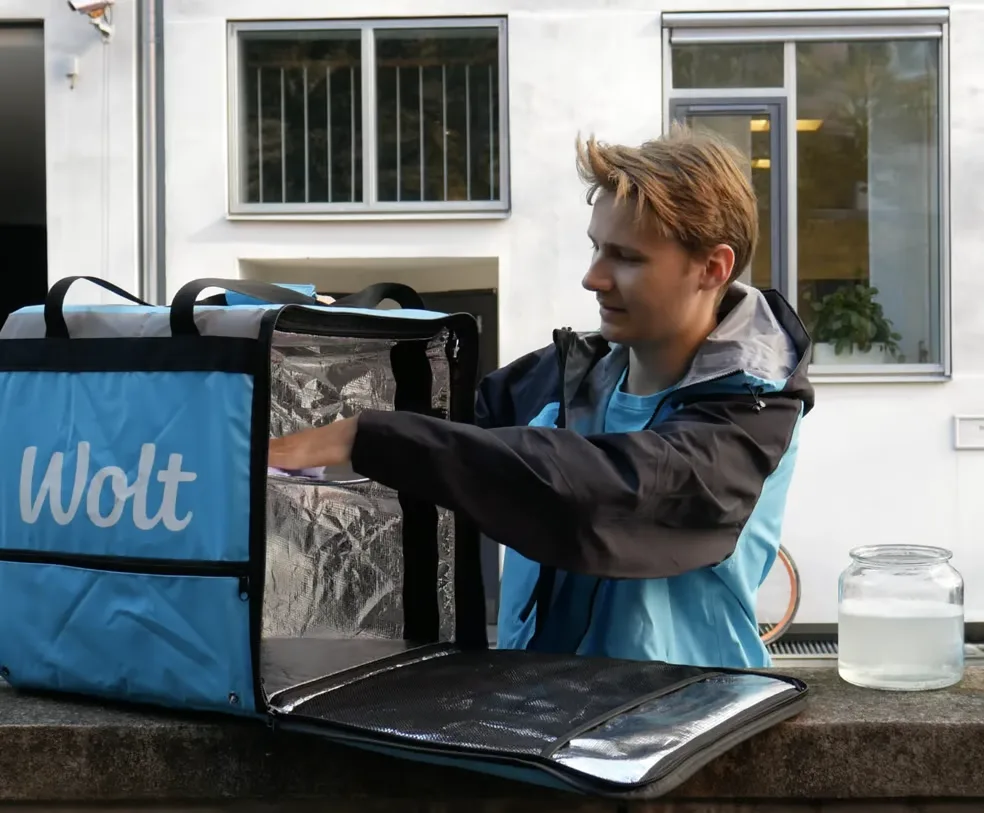
✅ Bag setup: cold items bottom, hot items top; use dividers; secure drinks.
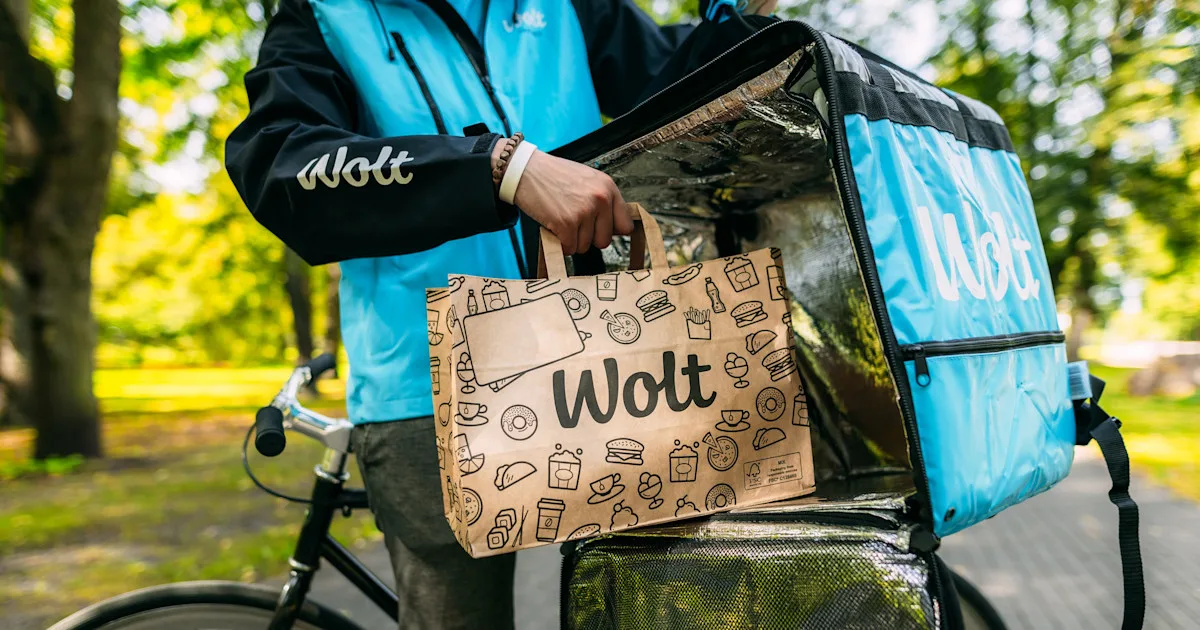
Recommendation: Maximizing Earnings
Earnings improve when your deliveries stay smooth: fewer mistakes, fewer support escalations, and less wasted time.
✅ Position yourself where demand is (time-of-day matters).
✅ Plan route quickly, then ride/drive safely.
✅ Reduce rework by preventing mixed orders.
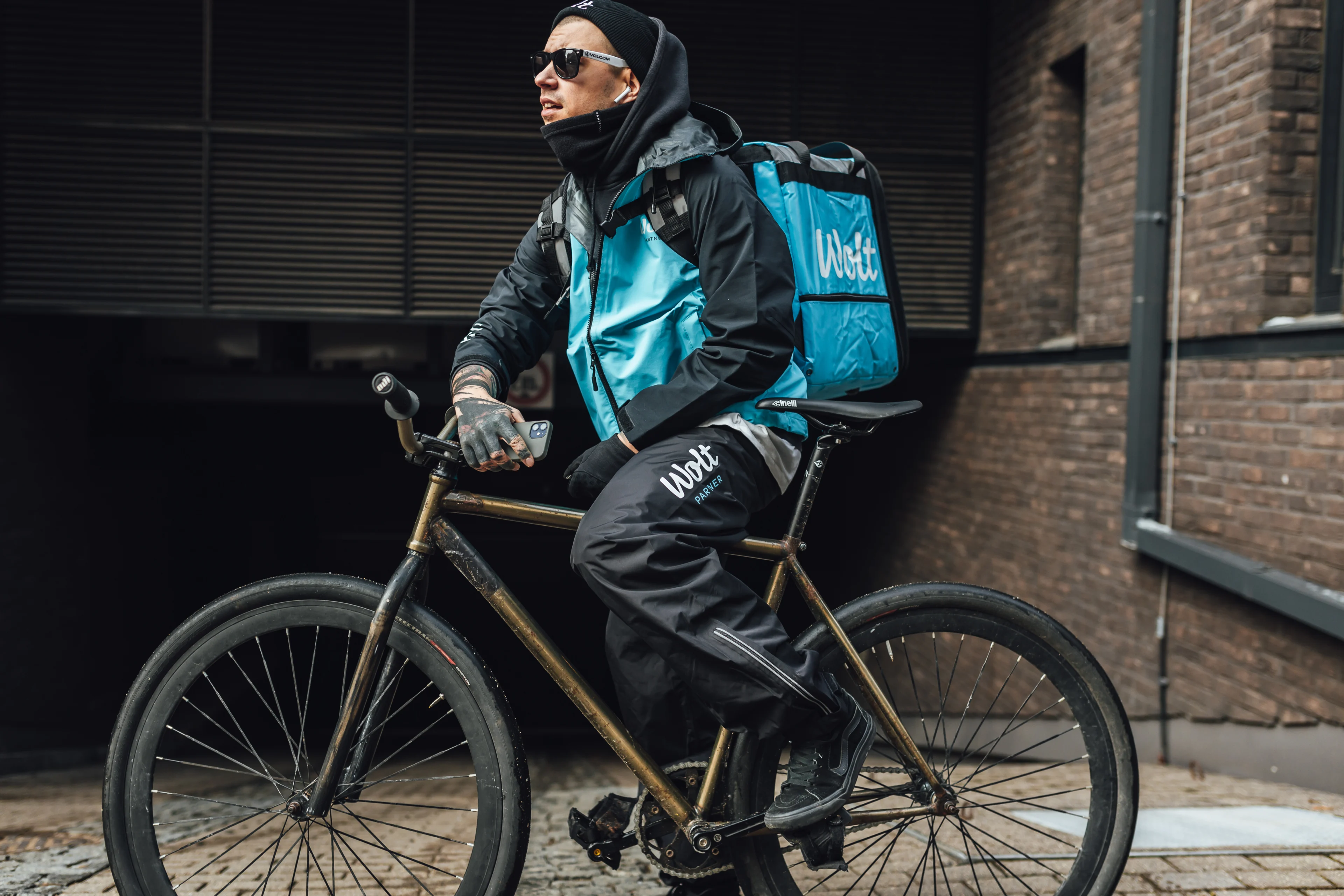
Handling Delays
Mark arrival in the app
Do this as soon as you arrive at the venue so timing is accurate.
Ask for an honest estimate
Be polite and direct. Clarity saves time for you, staff, and the customer.
Decide: wait or leave
Wait only if the remaining time makes sense. If the wait is long or keeps moving, contact Support for guidance.
Prevent mixed orders
Checkpoint 1: At pickup — verify order number/name
Checkpoint 2: In your bag — keep orders separated
Checkpoint 3: At handoff — verify the customer name
What to do when you can’t find a customer
Double-check address → Read notes → In-app chat/call → Support
✅ Use in-app chat once drop-off starts (includes automatic translation).
✅ If no response, contact Support for next steps.
✅ Stay respectful—both parties can report inappropriate behavior.
How can I log out of the app?
I you are planning to log out, you can plan your disconnection in the Wolt Courier Partner App itself. How to do it?
If you use the "Go offline after current tasks" function in the app, the system will "disconnect" you when all the currently assigned orders have been delivered. This way, you can plan your time perfectly and avoid any problems with your orders being delivered.
We also want to let you know that when Wolt's courier partners receive an order, we give them the option of accepting or rejecting it.

Quick links