Tips & Tricks
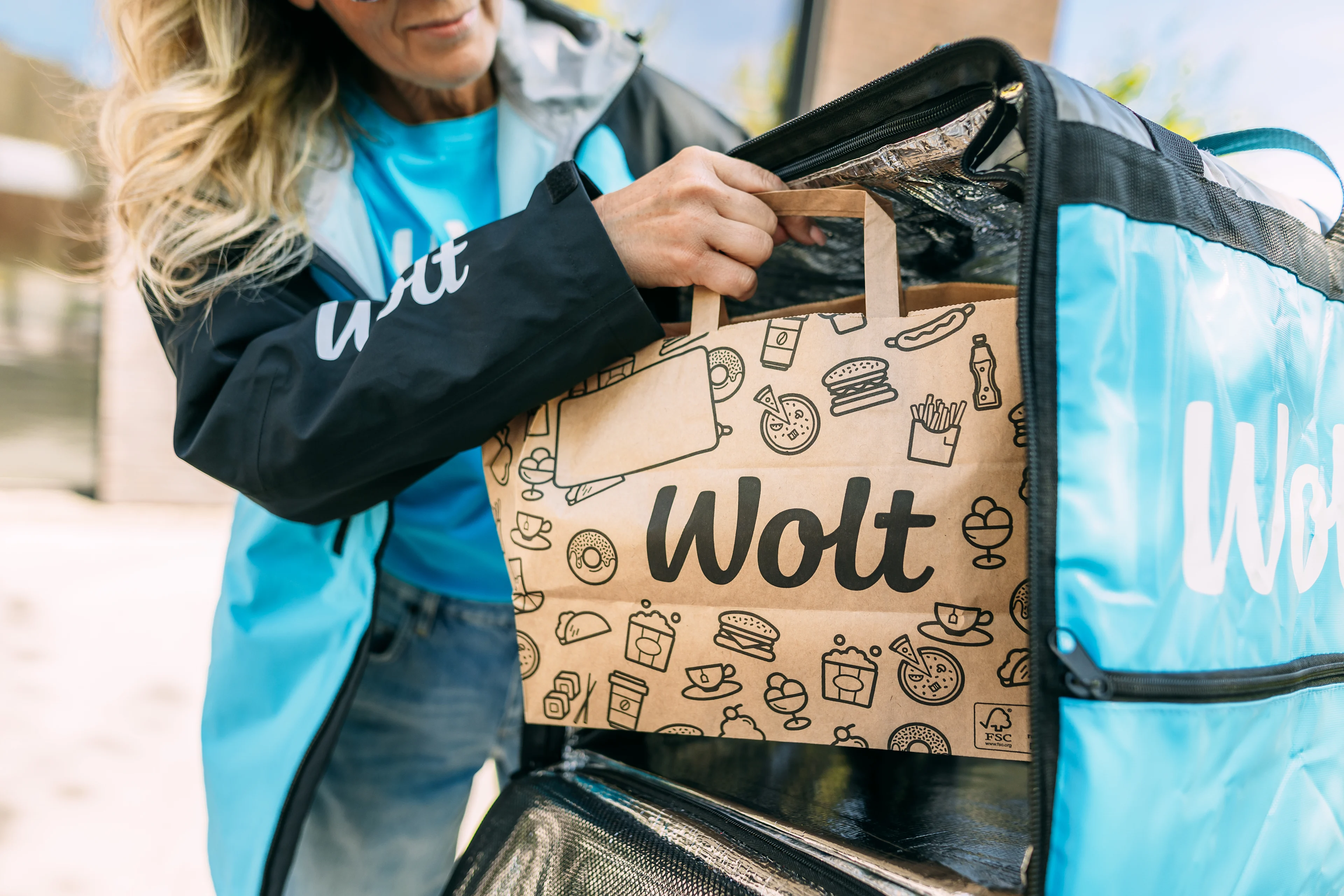
Recommendation: How to prepare for a great day of deliveries
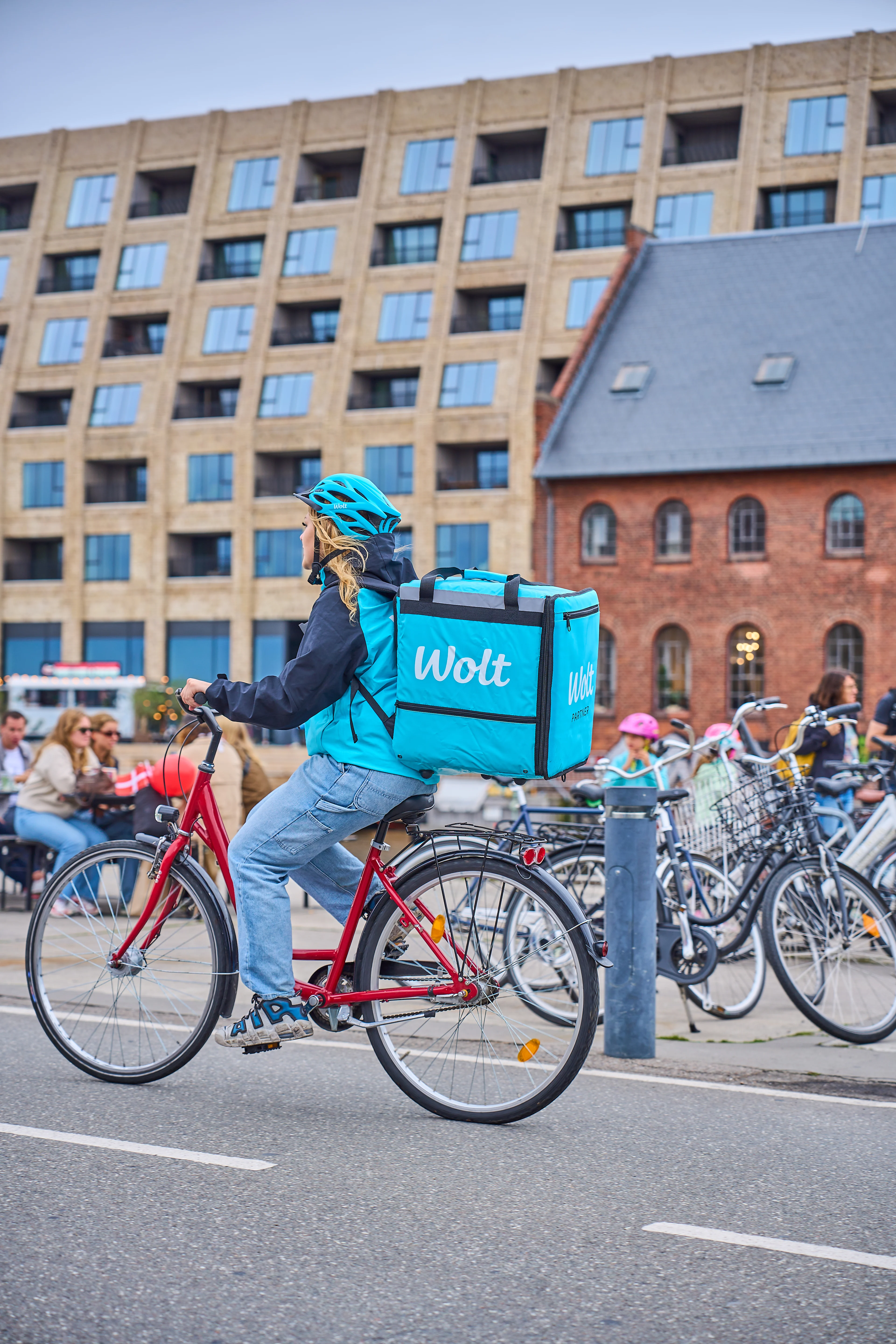
You can check the weather forecast
A good day or night of delivering starts by being prepared. You can wear the right amount of clothes depending on the weather. Although it may take a few more minutes to get out the door, you’ll thank yourself for feeling comfortable once you’re out.

You can charge your phone and power bank
Having a power bank is like having phone battery insurance. You’ll be able to deliver as long as you want, and not get stuck having to memorize an address and route because your phone has died. There are lots of good options out there at varying prices.

How to avoid spills or mistakes
To keep orders at the right temperature, place cold items at the bottom and hot items at the top, above the bag divider. You can avoid spills by placing drinks in the drinks holder and, if possible, “locking” the order in place by using the bag divider. When you carry the bag, swing it gently over your shoulder.
Handling Delays Like a Pro
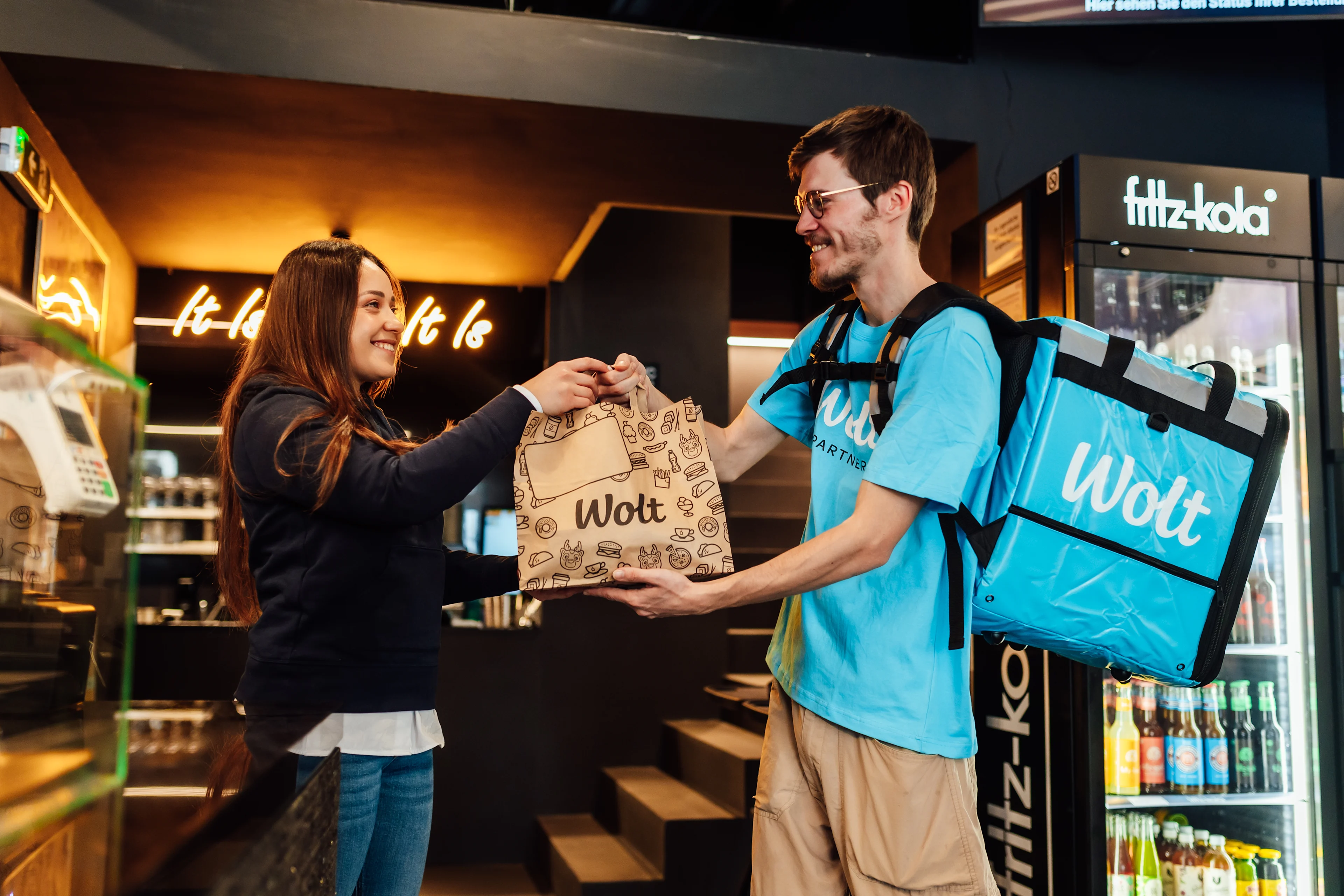
What couriers should do:
Mark your arrival in the app as soon as you arrive ✅
Politely ask staff for an estimated preparation time ✅
Wait only if the remaining time makes sense ✅
When to leave:
⏱️ If the wait is long and no clear estimate is given
❌ If the restaurant keeps postponing the order
➡️Please reach out to the support team, and they will guide you!
Common situations
The customer doesn’t answer
Wrong address or unclear location
Customer asks for extra waiting
What couriers should do
Try contacting the customer ✅
Wait the required time ✅
Follow the support instructions ✅
Pro tip: Always keep communication inside the app!
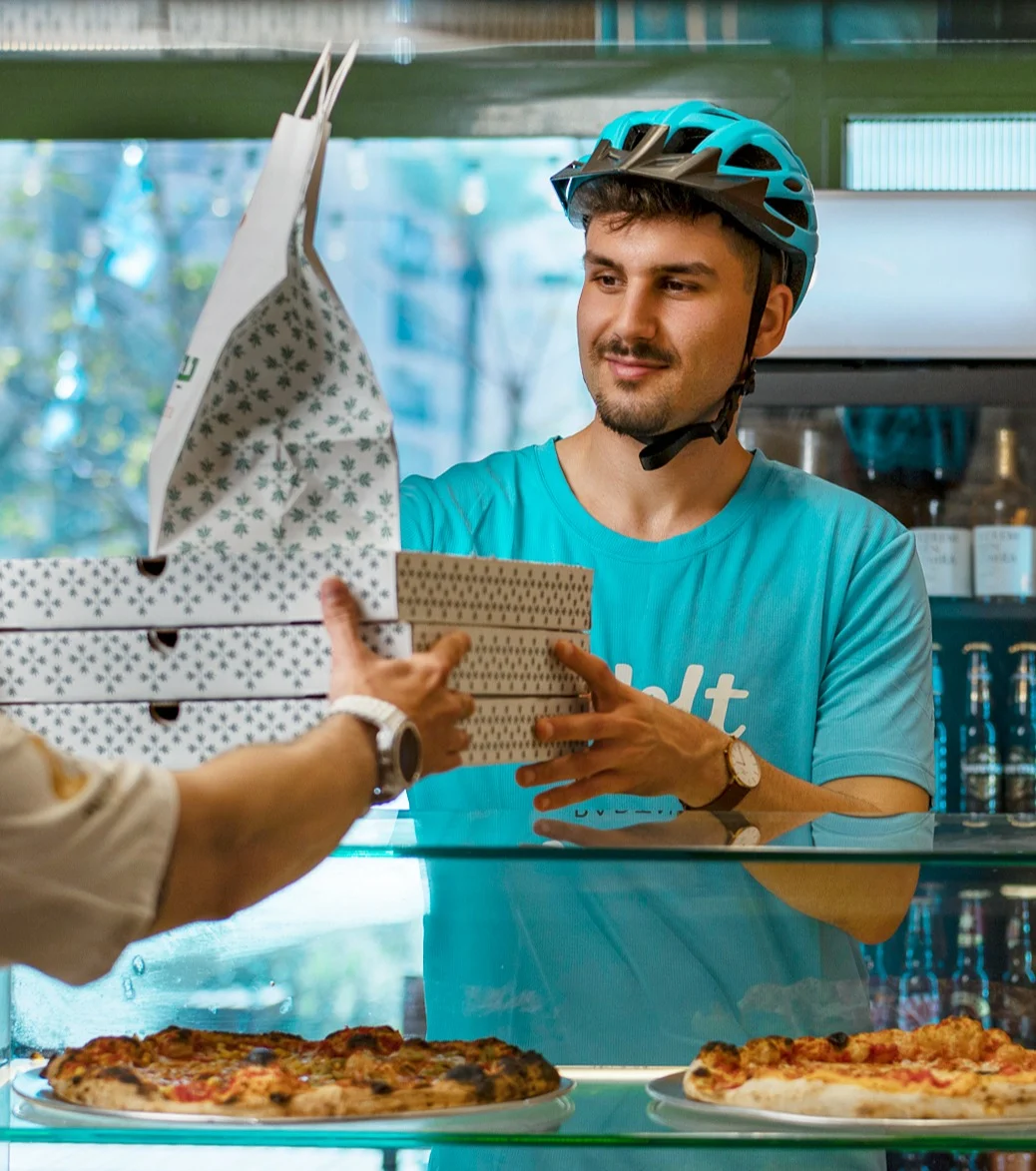
How to stay calm & efficient during delays 🧠
Use waiting time smartly 🔁
Position yourself for the next order 🚲
Stay polite but firm - clarity saves time 💬
Professional handling of delays = better flow, less stress, better earnings.
What to do when you can't find a customer?
Having trouble finding the customer or their address? Here’s what you can try to do.
Sometimes when you're out delivering, it can be hard to find the customer or their exact address. This can lead to delays, unhappy customers, and sometimes even lost orders. And if you're carrying more than one order, it could mean delays for other customers too.
Here are a few quick tips to help you out in these situations:
1. You can double-check the address – There might be extra details in the address that make it easier to find.
2. You can read the customer notes – Customers often leave helpful tips in the comment section.
3. You can contact the customer directly through the in-app chat – You can always contact the customer directly if you're unsure.
This chat includes an automatic translation function, making it easy to communicate even if you don’t share a common language. The chat becomes available once you start the drop-off and closes when the order is completed.
4. Still no luck? If the customer doesn’t answer and you can’t find the place, then you can reach out to the support team. They’ll help you with what to do next.
Try chatting with the customer first. If you don't get a response, you can try to contact support.
You can also use the in-app chat once you start the delivery. It closes after you deliver the order, so use it while it’s active.
It's good to stay respectful – both you and the customer can report any inappropriate behavior. Wolt takes this seriously, and any confirmed reports can affect your partnership.
How can I log out of the app?
If you want to manage your time when delivering orders, this subpage is for you - we'd like to recommend you how easy it is to log out of the app if you don't want to receive any more orders at the moment, or you're taking a break.
So, if you are planning to log out, you can plan your disconnection in the Wolt Courier Partner App itself. How to do it?
If you use the "Go offline after current tasks" function in the app, the system will "disconnect" you when all the currently assigned orders have been delivered. This way, you can plan your time perfectly and avoid any problems with your orders being delivered.
We also want to let you know that when Wolt's courier partners receive an order, we give them the option of accepting or rejecting it.
It is voluntary for you to leave feedback when you go offline - every comment you leave is carefully reviewed. Your feedback would be valuable.